
Designing a clearer way to manage hospital operations.
Health Pro Suite is a hospital management platform designed to help healthcare teams manage patient information, billing, and everyday clinical operations in one connected experience.
01 / OVERVIEW
One connected experience for busy healthcare teams.
Health Pro Suite (HPS) is a health IT suite of electronic medical records and tools for managing the operations of private hospitals, clinics, and diagnostic centres. It brings essential administrative and clinical workflows into a connected digital experience.
I contributed to the product experience from its early stages, helping build the interface, organise information, and design workflows around healthcare teams' needs.
Patient management
Support for patient information and related care workflows.
Hospital operations
Tools for organising administrative tasks and billing activities.
Role-based access
Permissions and actions appropriate to different user roles.
02 / THE CHALLENGE
Healthcare workflows are interconnected. The software should be, too.
Healthcare staff coordinate several activities throughout the day. Tracing information, completing administrative forms, and following a patient's journey should not feel disconnected. The interface should make these tasks easier while keeping essential information clearly presented.
Complex workflows
Help users navigate connected tasks without losing sight of important patient and operational information.
Information clarity
Present essential details in a readable hierarchy so users can understand records and take the appropriate next step.
Different user roles
Support different responsibilities with appropriate access, actions, and workflow visibility.
The design goal was to make complex hospital operations feel clear, connected, and manageable without hiding the details healthcare teams need.
03 / DESIGN PROCESS
From operational needs to usable workflows.
My design approach focused on understanding user needs, organising complex information, and creating consistent interface patterns.
UNDERSTAND
Explore users and workflows
Identify the people using the product, the tasks they need to complete, and the information required at each stage. Map key questions before deciding on interface solutions.
STRUCTURE
Organise information and user flows
Group related information, establish a clear hierarchy, and map the steps users take through important workflows such as patient management and billing.
DESIGN
Create a consistent interface
Apply consistent typography, spacing, colour, components, and visual hierarchy. Make common actions easier to recognise and related information easier to scan.
REFINE
Review and improve the experience
Review screens and workflows for clarity, consistency, and usability. Use feedback and product constraints to identify opportunities for improvement.
04 / THE SOLUTION
A more organised way to manage hospital work.
The product experience brings important hospital workflows into one platform. The design emphasises readable information, consistent navigation, and clear actions across different parts of the system.
Clear navigation
Organise product areas so users can understand where they are and locate relevant tasks more easily.
Structured records
Present patient and operational information using consistent layouts, headings, and information groupings.
Purposeful actions
Make important actions and workflow states easier to identify through consistent interface patterns.
Role-aware experience
Account for the different permissions and responsibilities users may have within a healthcare organisation.
Replace this area with your actual HPS dashboard screenshot. Recommended: 1440 × 1000 px or a similar landscape ratio.
Hospital dashboard
An overview of key information and operational activities.
Replace this area with your patient list, patient profile, or medical records interface.
Patient management
A view of how patient information is organised and accessed.
Replace this area with your billing dashboard, invoices, payment history, or transaction screen.
Billing and payments
A look at the financial workflows supported by the product.
Replace this area with your user management, permissions, settings, or administration interface.
Administration and access
An example of how user roles and permissions are managed.
Portfolio note: Use actual product screens you designed. Before publishing, remove or obscure patient names, contact information, medical records, and other confidential data.
05 / REFLECTION
Designing for clarity in a complex environment.
Working on a healthcare management product highlights the importance of designing for real workflows rather than individual screens in isolation.
What I learned
Complex products benefit from clear information architecture, predictable interface patterns, and a strong understanding of how different users complete their work.
What I would improve next
I would continue validating workflows with users, reviewing accessibility, testing key tasks, and measuring improvements using real product data and feedback.
EXPLORE THE PRODUCT
Better digital experiences start with understanding people.
Learn more about Health Pro Suite and its approach to hospital management.
Visit Health Pro Suite ↗MY RECENT WORK
Explore Other Case Study
Here are some of the digital products and experiences I have designed and worked on as a product Designer.
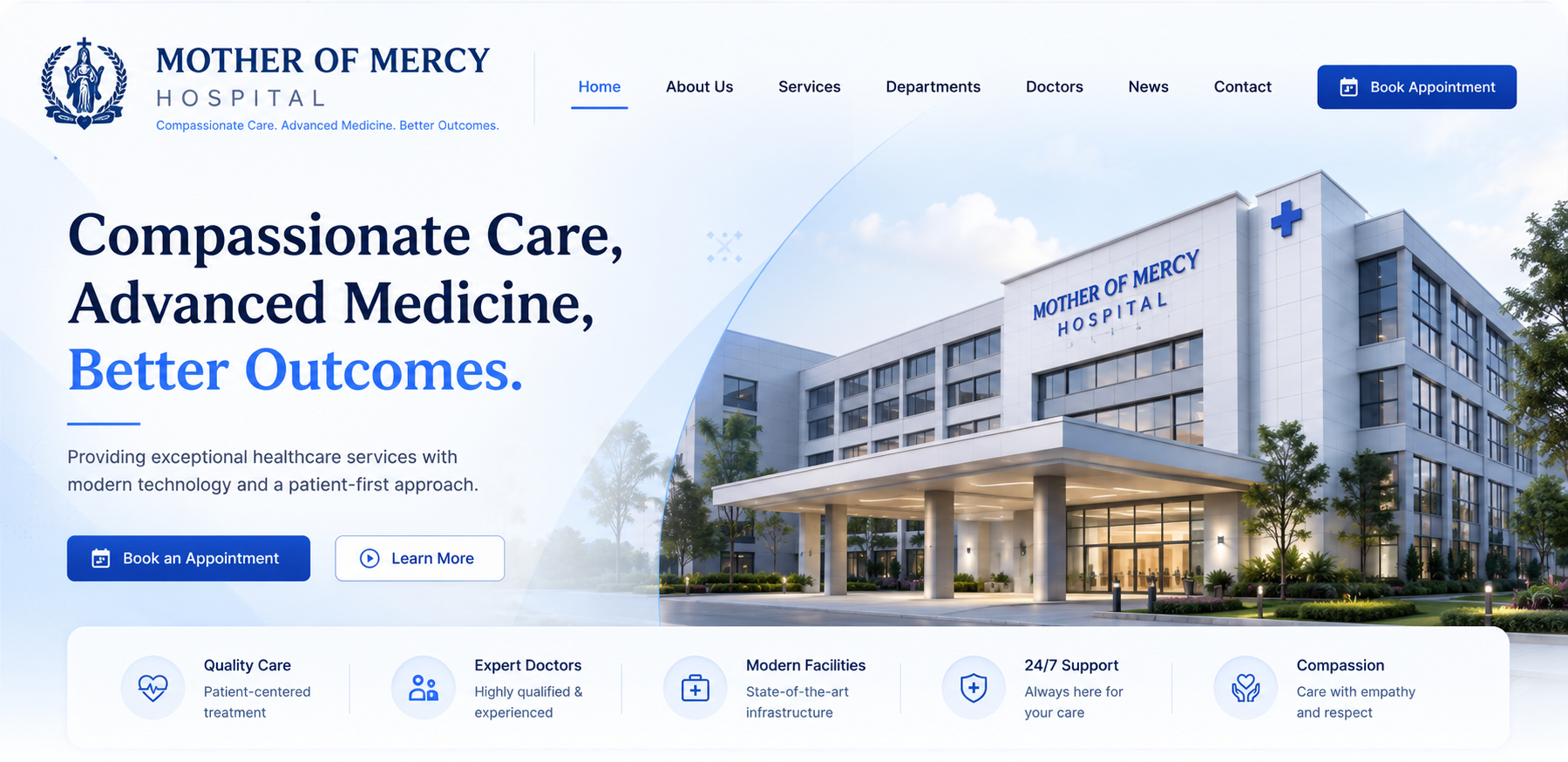
Mother Of Mercy Hospital
A healthcare platform designed to improve hospital operations, accessibility, and patient experience through digital solutions.
View Project
Atrizult Website
A corporate consulting website built with a clean UI, responsive layout, and strong brand presentation.
View Project